M5 Ultra Mac Studio: Memory Capacity Needs a Matching Runtime
HARDWARE & DESIGN
M5 Ultra Mac Studio: Memory Capacity Needs a Matching Runtime
A large unified-memory option is useful only with software that supports the intended checkpoint. Apple's M5 Ultra announcement makes capacity worth investigating, while GGUF, MLX, context size and runtime maturity determine the practical local workload. The maximum configuration is not a measured result.
In this article
A useful local workstation needs more than room for weights. GGUF and MLX support varies by architecture and runtime version; fine-tuning and clustering have further requirements. The software discussion below describes available paths, rather than compatibility with every open model.
Memory and configuration specifications
| Config | CPU / GPU | Memory (max) | Bandwidth | Start price |
|---|---|---|---|---|
| Mac Studio M5 Max | 18-core / up to 40-core GPU | up to 128GB | 614 GB/s | $2,499 (36GB) |
| Mac Studio M5 Ultra | up to 36-core / up to 80-core GPU | up to 512GB | 1.2 TB/s | $5,499 (96GB) |
Official announced pricing and specs from Apple's August 25, 2026 press release.
The announcement's 512GB ceiling is the configuration to check against a large model's complete memory budget. Maximum physical memory is not the same as memory available to an inference process: the operating system, applications, runtime buffers and context cache need room too.
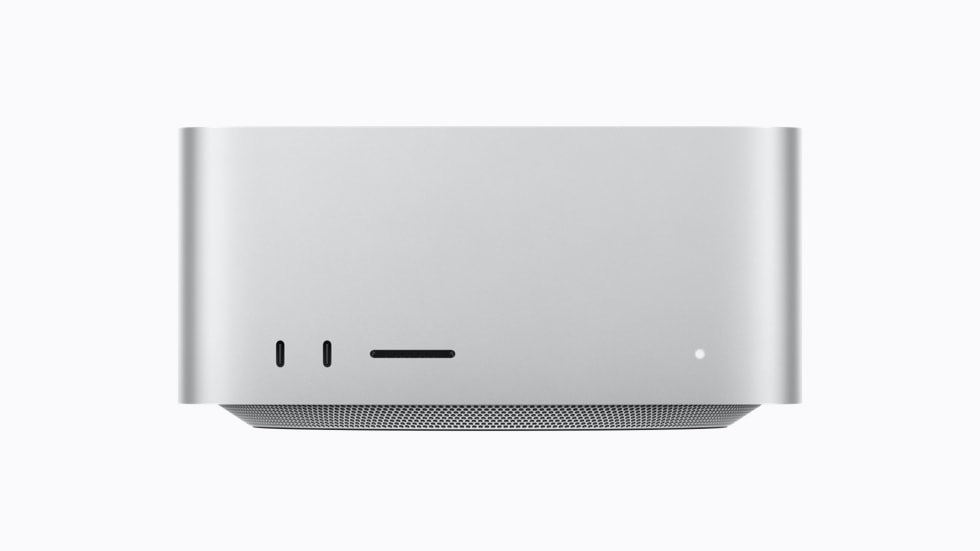
The new Mac Studio — same pocketable aluminum box, a different class of machine inside (image: Apple).
Bandwidth and measured token speed
I keep coming back to this because it's the single most misunderstood spec. For a local LLM, tokens-per-second is decided by memory bandwidth, not by peak TOPS. Every token the model generates means re-reading the weights from memory. A 4-bit 120B model is roughly 60GB of weights; 512GB memory means you can hold the weights and a long context and your data in one place instead of paging.
The listed 1.2TB/s is about 50% above the M3 Ultra's cited 819GB/s. It is a peak bandwidth specification, not a token-generation measurement. Actual throughput depends on the model, precision, batch size, runtime and the extent to which its workload uses that bandwidth.
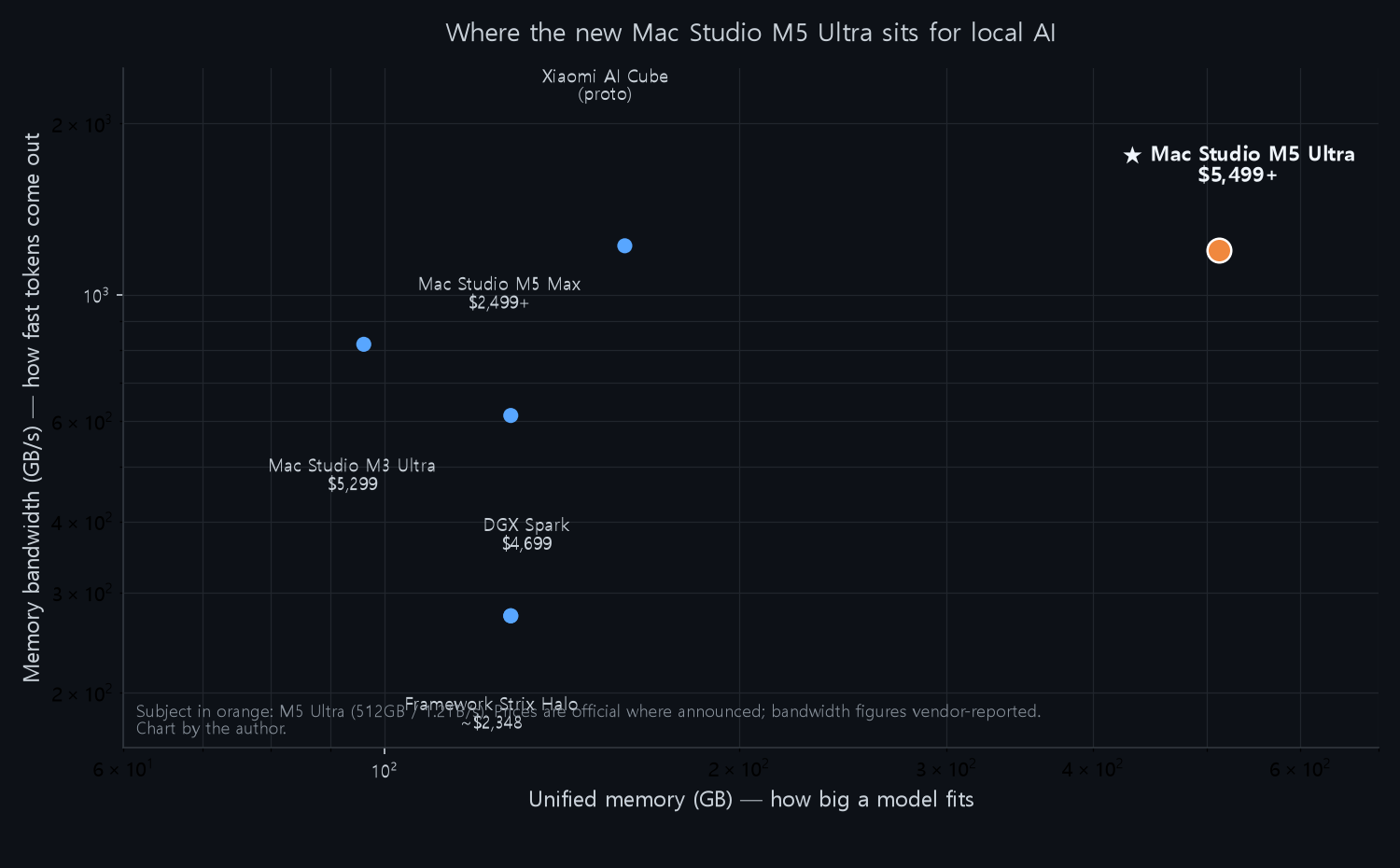
For local AI, the two axes that matter are memory (how big a model fits) and bandwidth (how fast tokens come out). The M5 Ultra is the top-right outlier. Chart by the author; prices official where announced, bandwidth vendor-reported.
And critically — Apple's AI-performance claims (4.3x vs M3 Ultra peak AI compute, 1.8x graphics) are all vendor-reported. I'll treat those as directional, not gospel. What's not vendor-speak is the physical memory capacity and bandwidth, which is the part that matters most for the use case I care about.
Supported software paths
This is where the M5 Ultra story is different from every other "big AI box" announcement. Apple isn't pitching a walled garden this time — it's leaning into the open stack that actually runs local models.
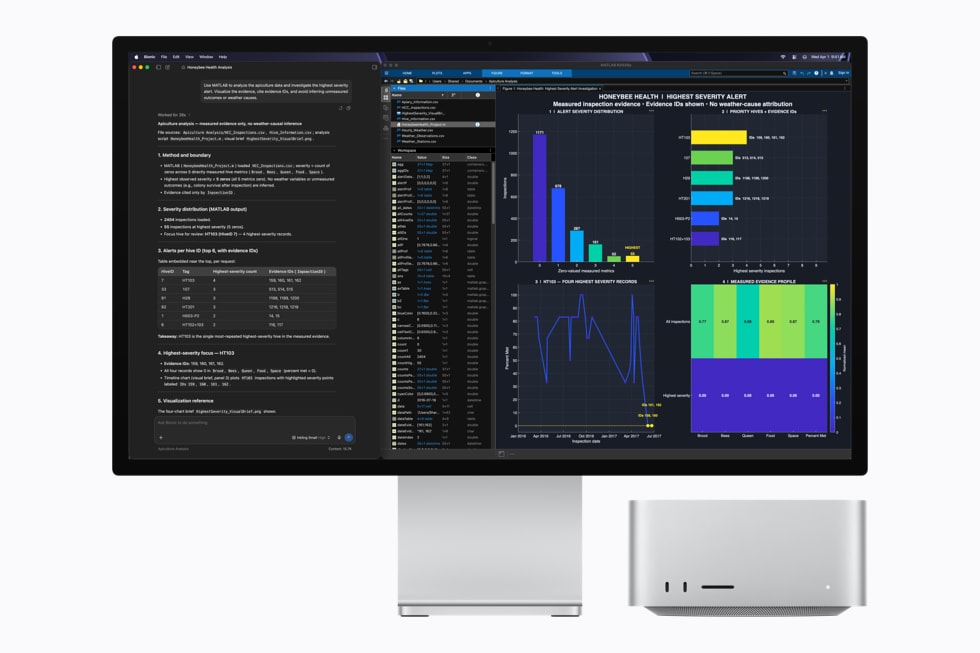
Apple's own launch material shows LM Studio running a model on the M5 Ultra — a sign they're courting the open-ecosystem crowd, not just Apple Intelligence (image: Apple).
MLX, Apple's open-source ML framework, is first-class on Apple silicon and it's where a huge share of open-weights users run local models today. LM Studio ships a Metal/MLX backend. llama.cpp has a Metal path. Apple also introduced Core AI, a new framework to deploy LLMs lean — but the open-ecosystem reality is MLX and Metal, both of which are real and used daily.
What this means practically: when I want to run, say, an open 120B model on my desk, on the M5 Ultra I load a GGUF or MLX build and go. No CUDA dependency, no vendor lock-in to a specific chat app. The memory is usable by the tools the local-AI community already lives in. That's the thing Xiaomi's AI Cube conspicuously couldn't promise, and it's the entire reason this Mac is interesting to me while the Cube was not.
Clustering requirements
Apple added clustering over Thunderbolt 5 with RDMA — you can hook up multiple Mac Studios and share one memory pool, with Apple claiming up to 3x faster AI inference on a 4-system cluster. That's aimed straight at the crowd that would otherwise buy one DGX Spark and wish it were bigger. If it works as described, it turns four $5,499 heads into a pooled-memory workhorse — still pricey, but a different capability than any single-box option.
Price and workload limits
I want to be straight with you, because this machine is expensive and hyped. The M5 Ultra at $5,499 starts with only 96GB; the 512GB configuration Apple's touting is a build-to-order bump that has no announced price yet, and availability for those configs slips to late October. Given the memory shortage that's been squeezing every high-RAM Mac, expect the 512GB price to be painful — possibly well into five figures.
The $2,499 M5 Max starting price cited here includes 36GB. A 128GB option is a different quote, and 512GB refers to a maximum Ultra configuration. Compare the actual memory tier with a measured workload instead of treating the headline price and maximum capacity as one product.
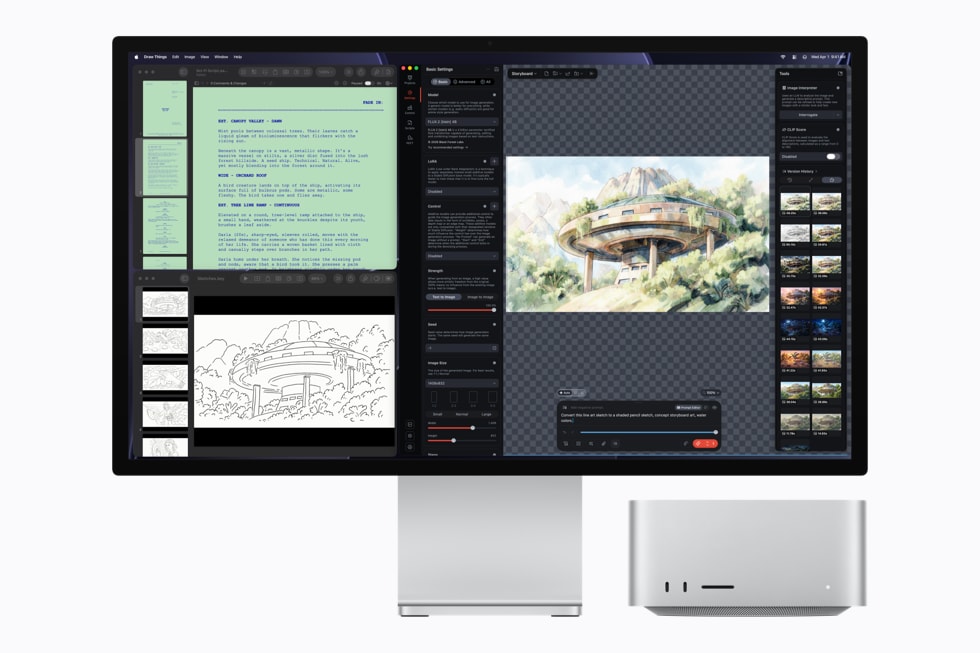
Apple's launch imagery leans into practical creation tools — Draw Things local image generation on the M5 Ultra (image: Apple).
For a memory-constrained local workflow, the capacity is the reason to investigate this machine. The purchasing case still needs a specific model and a matching runtime test. Neither the maximum RAM option nor Apple's software announcements establish that every large model will run interactively.
This launch article does not include a test of the 512GB configuration. For the later 256GB report and its evidence limits, see the Mac Studio follow-up. Obtain a quote for the actual memory configuration before comparing it with a PC or hosted service.
Related on this blog: Xiaomi AI Cube: 120B Local Models at 4.5× DGX Spark's Bandwidth · FreeToken Wants to Put Frontier MoE Models on Your Edge Machine
Sources: Apple Newsroom (Aug 25 2026) — "Apple introduces new Mac Studio with M5 Max and M5 Ultra" and "Apple introduces M6 and M5 Ultra"; The Verge preorder pricing; MacRumors/Fello AI for memory-ceiling history. All Apple performance multipliers are vendor-reported. Pricing reflects announced US starting prices; 512GB configuration price and Korean retail availability were not published at the time of writing.
Comments
Post a Comment