Canva Craft: The Edit After the First Image
MODELS & COSTS
Canva Craft: The Edit After the First Image
A poster is rarely finished when the first image appears. The date changes, a price moves, or another person needs the file. That is where I would judge Canva Craft: how much of the design survives a small, ordinary revision.
In this article
Canva Craft is interesting because it tackles composition before drawing the image. But the question I want answered is what happens after generation: can I make a small correction without rebuilding the design? This is a source-based analysis and a proposed test, not a hands-on Craft review.
Canva launched Craft on October 22, 2026. It describes a planning stage followed by image rendering, at up to 2K. Canva’s launch announcement is the source for that architecture; it does not establish a typo-free success rate.
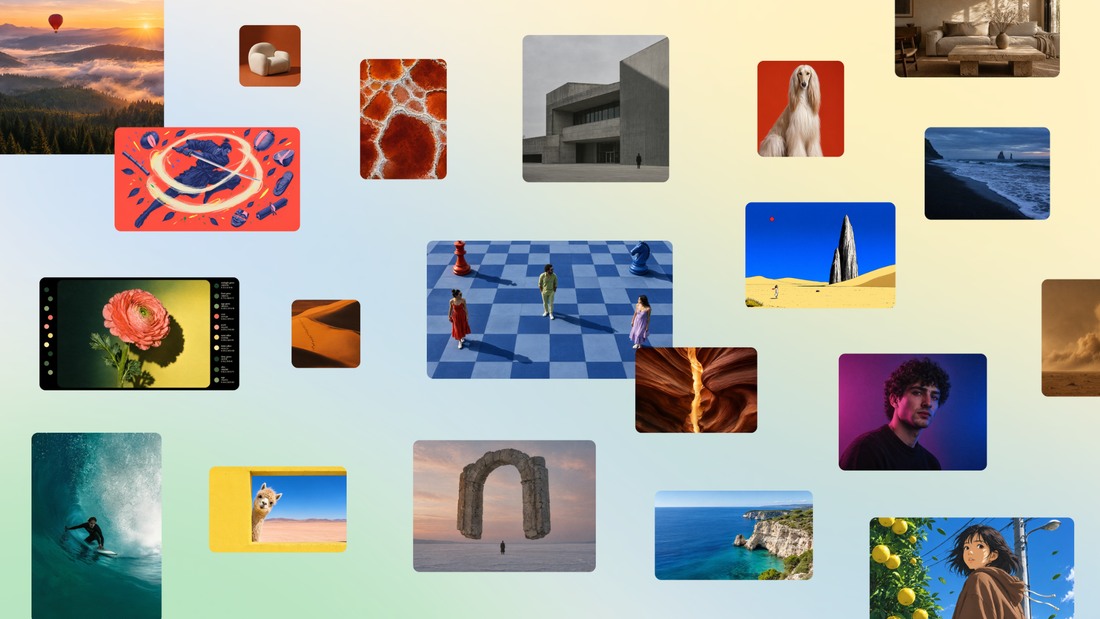
What changes when the model plans the layout first?
A layout is a set of relationships. A headline needs room above a subject. A price belongs near the item it describes. A date must stay readable when the whole composition shrinks into a phone feed. You can ask for all of these in a prompt, but a plausible picture can still ignore the relationship that matters.
That is the useful way to read Canva’s planning claim. It gives the system a place to express those relationships before pixels are rendered. I would not assume the internal plan is a document I can inspect, export, or edit; the announcement does not promise that interface.
Canva Research describes a broader system of specialized models, including a learned model for decomposing an image into editable elements. Its research introduction makes clear that the full workflow involves more than a single generator. That matters more to me than treating every new image model as a replacement for the editor.
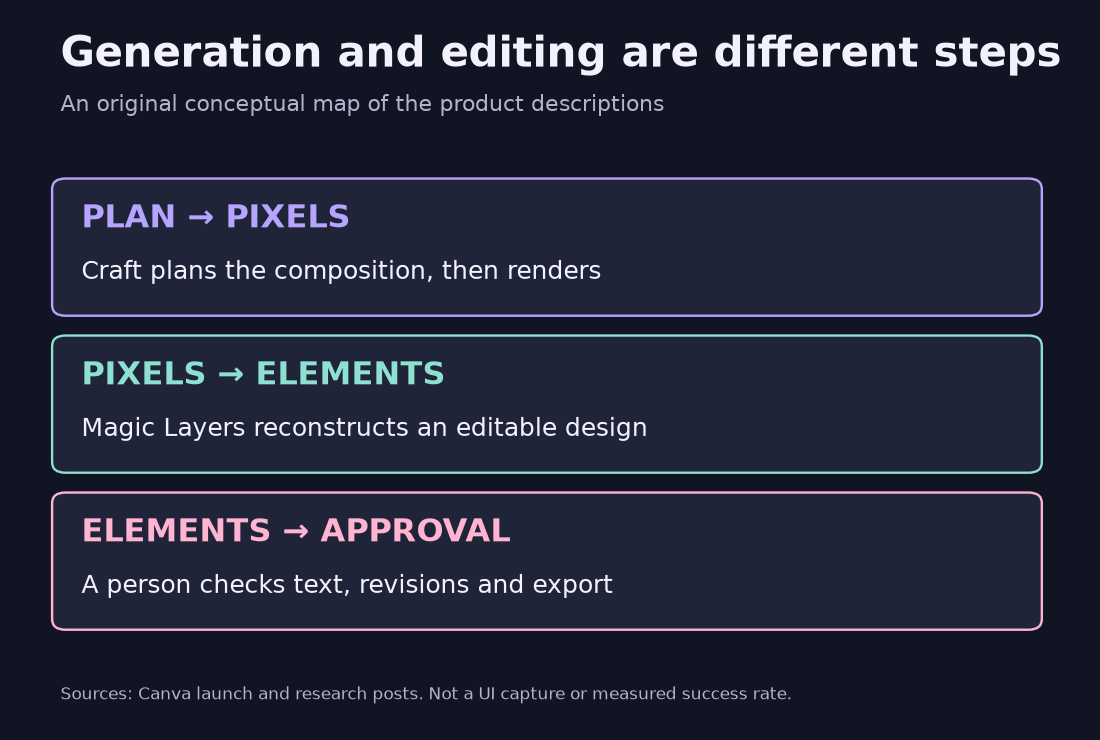
Does a Craft image arrive as an editable design?
I would separate two promises: generating a coherent image and recovering useful design elements from it. Magic Layers addresses the second. A better starting image may make that job easier, but neither a planning stage nor a selection outline proves that the resulting text behaves like ordinary editable type.
Here is a practical distinction. Moving a rectangular piece of an image is not the same as changing a headline while keeping its font, spacing and background intact. Before calling a result editable, I would select the date, type a different date, move one object, and inspect what was left behind.
For details that must remain exact, I would keep an ordinary text layer in the final document. A booking address, price or legal line should be easy to audit and replace. This is my suggested workflow, not a limitation measured in Craft: let the generator establish an art direction, then keep variable information under direct control.

What do “second” and “fourth” actually refer to?
Canva’s launch reports a fourth-place model debut on DesignArena and calls Canva Research the second-ranked image-generation lab. Those are different comparisons. I could not independently retrieve the live leaderboard for this article, so these remain attributed launch claims, not a current ranking I verified myself.
| Launch claim | What I would take from it |
|---|---|
| Craft model: fourth | A model-level launch snapshot, according to Canva. |
| Canva Research lab: second | A lab-level comparison; not a second-place Craft model. |
| A usable poster | Requires a separate check of exact text, revision behavior and delivery format. |
A preference ranking can help me decide what to try. It cannot tell me whether the last digit in an event date is correct, whether a layer survives export, or whether a designer can revise the file quickly. I would use those outcomes as the acceptance criteria for a working design.
Where can you try it, and what should developers check?
For the simplest trial, Canva directs users to Dream Lab. Its official screenshot below shows the product entry point, not a test session from this blog. Check the selected model and your account’s allowance before generating; broad availability is not a promise of unlimited usage.
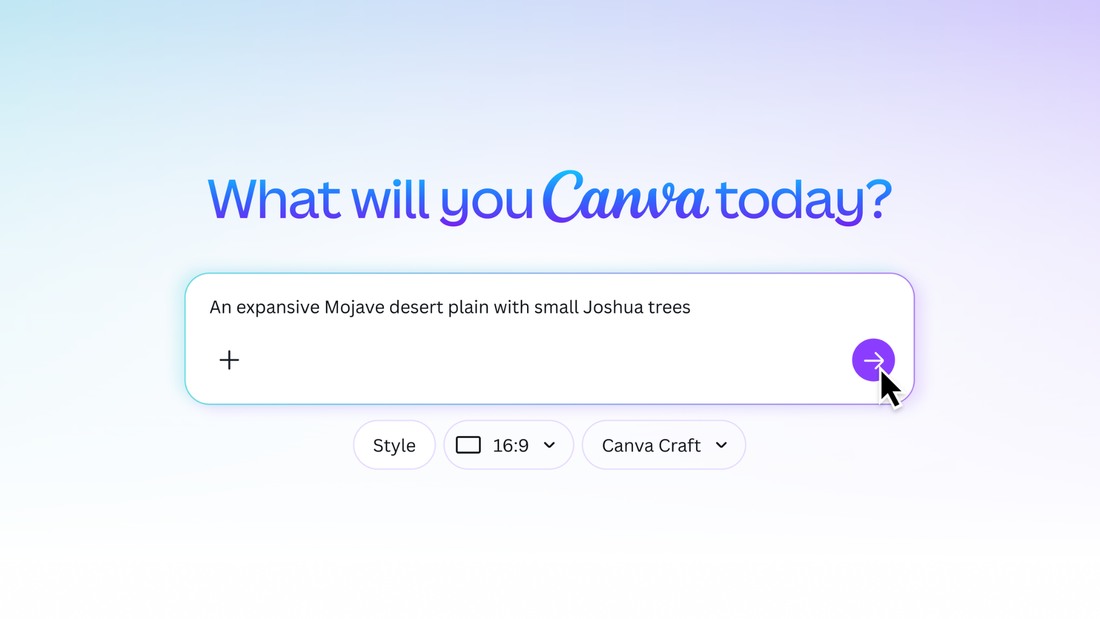
For a developer trial, the October 22 developer announcement identifies craft_v1_2k. The create-job reference requires a user token with asset:write, an eligible account and an idempotency key. Calls spend the user’s AI credits. For a Craft comparison, pin the model: an automatic selection could produce another model’s result.
The generation overview labels these APIs as preview and says public apps using preview APIs cannot pass review. The current create reference lists six aspect-ratio presets, so I would not copy the launch’s broader ratio claim into an integration spec. Craft-specific MCP access is still described as forthcoming in the launch.
The result endpoint returns a temporary image download URL, available for 24 hours. Save the actual artifact or choose the asset-upload route; a successful job is not permanent storage. For a production plan, I would settle availability, credits, distribution and storage before building an unattended workflow.
The poster test I would run before trusting it
I would use a fictional museum-night brief with one headline, a date, a venue and an admission price. Those details give a reviewer something definite to check. I would run the same brief more than once, keep every attempt, and record the selected model, account allowance, output size and revision steps. The table is a proposed protocol; it contains no Craft scores.
| Check | Pass condition for this trial |
|---|---|
| Headline | Every requested character matches; inspect at the final display size. |
| Event details | Date, venue, price and destination match the brief exactly. |
| Layout | Text does not cover the subject or disappear near an edge. |
| Element editing | Text can be changed and an object moved; inspect the repaired background. |
| One revision | Change the date only; record every unintended alteration. |
| New format | Make a square version; inspect hierarchy, cropping and the exported file. |
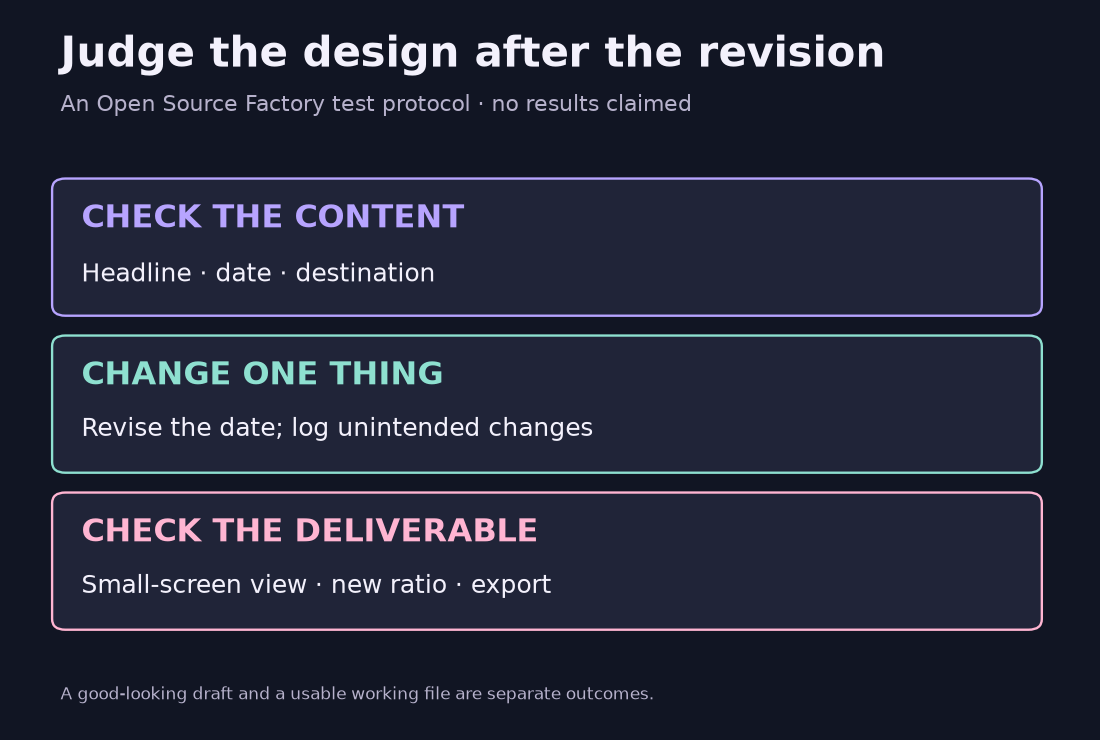
I would record active human minutes per approved asset and credits per approved asset separately. Generation latency can matter, but it is not the same as time spent supervising, correcting and rebuilding. A fast draft that demands a long repair can be a worse bargain than a slower draft that survives the edit.
For a fair comparison, keep the brief and final acceptance criteria fixed. Give every workflow the same chance to use ordinary editor tools. Do not pick the best Craft sample and compare it with the first output from another model. That would mostly measure how much searching each side received.
Start with one revision
Craft is worth trying for the work that continues after the first image: a campaign that needs another size, a poster whose date changes, or a layout another person must finish. That is where planning and editable elements could earn their place.
I would start with one low-stakes design, protect the exact details as editable text, and judge the revised export. The release gives me a reason to run that test. It does not give me the result. If I publish a hands-on follow-up, I will include the failed attempts and edit log alongside the attractive examples.
Related reading: Qwen-Image-2.1: 10,000 Images for $24, License Not Included. It looks at a different part of the image workflow: what a low generation price does and does not include.
Comments
Post a Comment