REA: Inspect the Evidence Behind a Reconstruction
AGENTS & WORKFLOWS
REA: Inspect the Evidence Behind a Reconstruction
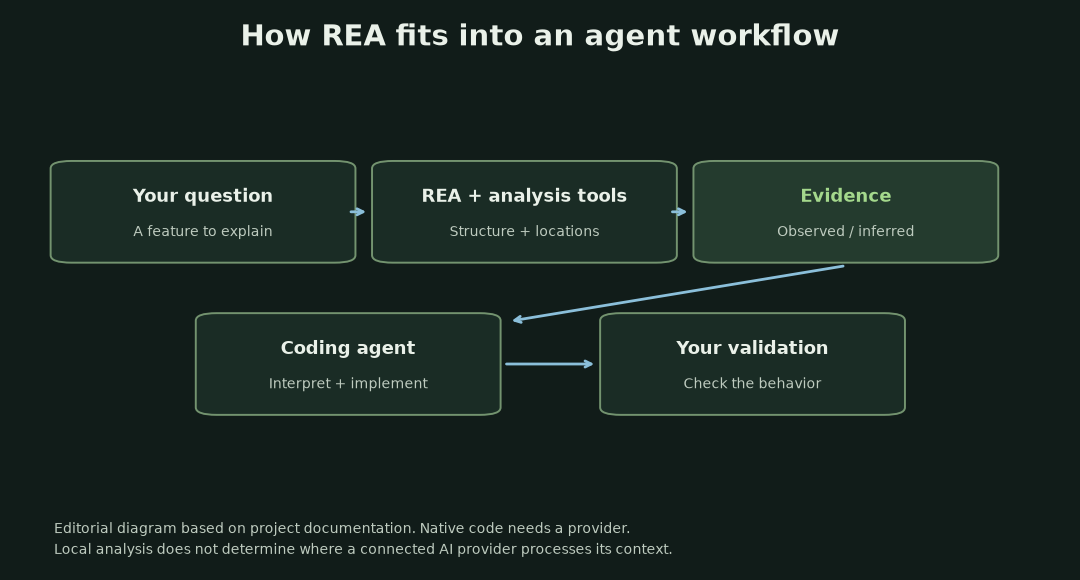
If an agent says it understands an application, ask where the answer came from. REA's public examples supply source locations and analysis artifacts that can be inspected. That evidence trail is more useful than a star count when deciding whether to try the project.
In this article
The project is morluto/rea, short for Reverse Engineer Anything. A GitHub API snapshot on October 13, 2026, at 16:51 KST recorded 176,392 stars and 42,377 forks. Those are dated interest signals. They do not establish reconstruction accuracy, active users, or time saved. This article examines public materials and project-published cases rather than presenting an independent hands-on evaluation.
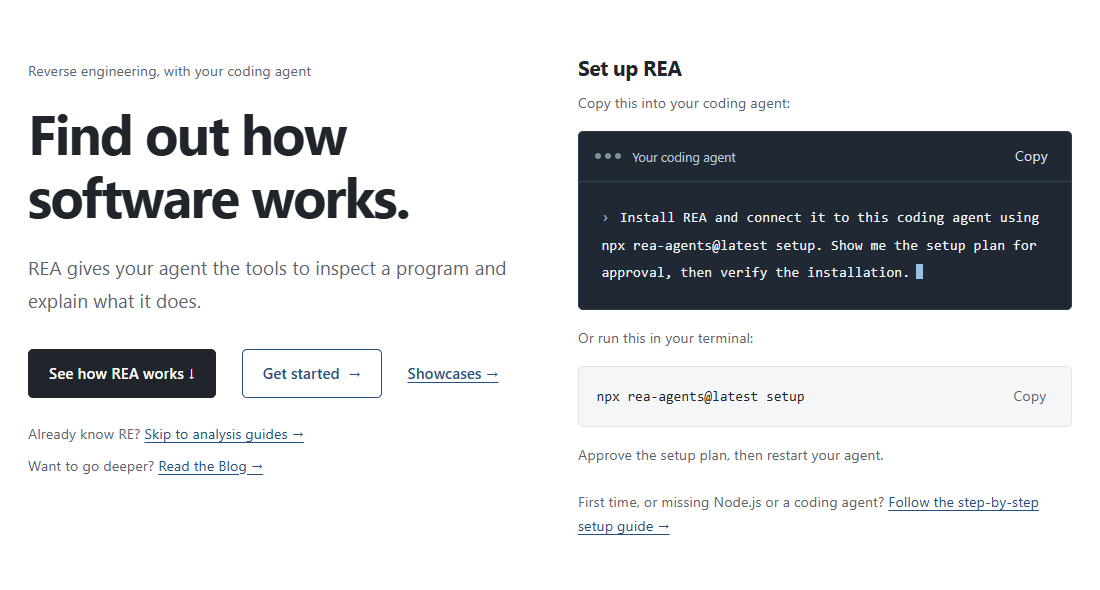
Evidence an agent can inspect
REA is a CLI and an MCP server that connects an agent to analysis capabilities. MCP is the interface through which the agent can request a tool operation and receive a result. REA is not itself a new language model.
The official README describes native binaries, JavaScript and Electron applications, .NET assemblies, websites, and additional target-specific workflows. Findings can include code structure, pseudocode, instructions, strings, source locations, and relationships. The useful change is that an agent can investigate concrete artifacts during the same session in which it explains or implements something.
My reading of the appeal is practical. A familiar coding agent gains a route into software whose original project is unavailable or unfamiliar. A user can ask about a feature instead of manually starting with a long list of low-level tool commands. That is an editorial judgment about the workflow, not a measured productivity result.
The Notion case explains the everyday use
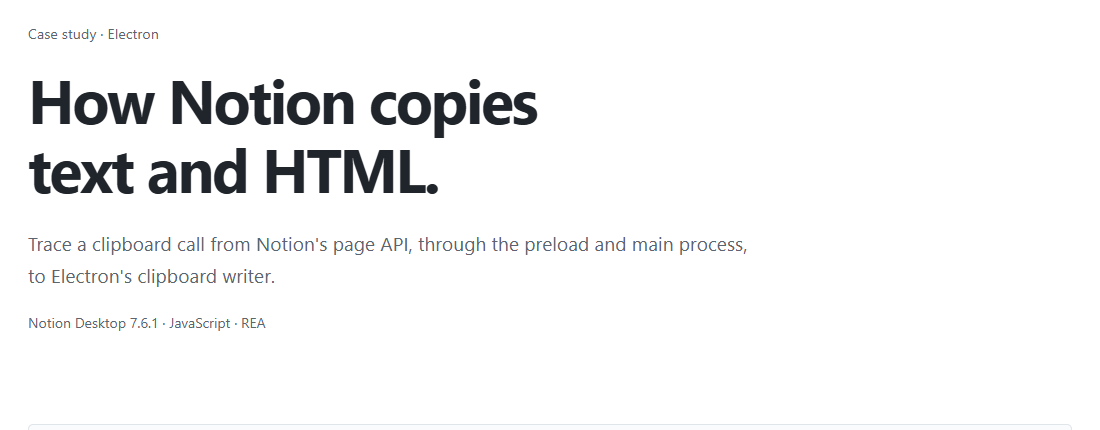
The published Notion case study follows a clipboard operation in Notion Desktop 7.6.1. A method exposed to the page leads through preload wrappers and an IPC message into the main process, where Electron writes text and HTML to the clipboard. IPC is the message path between those processes.
In the Notion case, REA points to source ranges for the exposed API and an invoke operation. The agent reads the wrappers to connect the clipboard member with its receiver. The case records version 4.1.0; it is a project-published example, not an independent test of the 6.4.0 release discussed here.
That example makes REA easier to place than a vague “clone this app” pitch. A developer studying interoperability or maintaining a legacy integration usually needs an answer to a specific question: which component receives this message, and what happens next? A documented path is something a developer can review. A confident explanation without locations is much harder to check.
The DX-Ball example goes below JavaScript
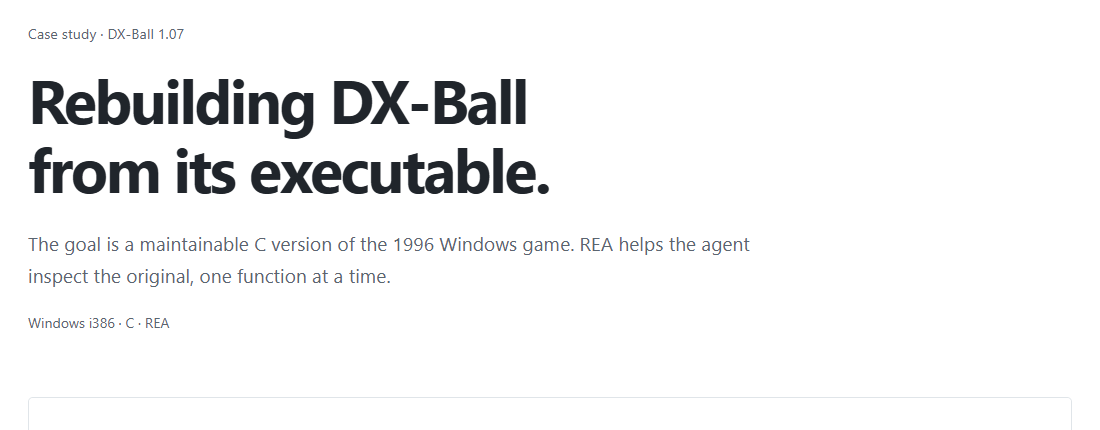
In the project’s DX-Ball case, the subject is a sound-panning calculation in a 1996 Windows game. The first decompiler view omits useful arithmetic. The investigation combines instructions, caller information, and constants to recover the rule that maps a horizontal position to a stereo-pan value.
The published expression is pan = (x × 1.5625 - 500) × scale. With scale set to one, positions 0, 320, and 640 map to -500, 0, and 500. The chart below is simply our drawing of that public formula.
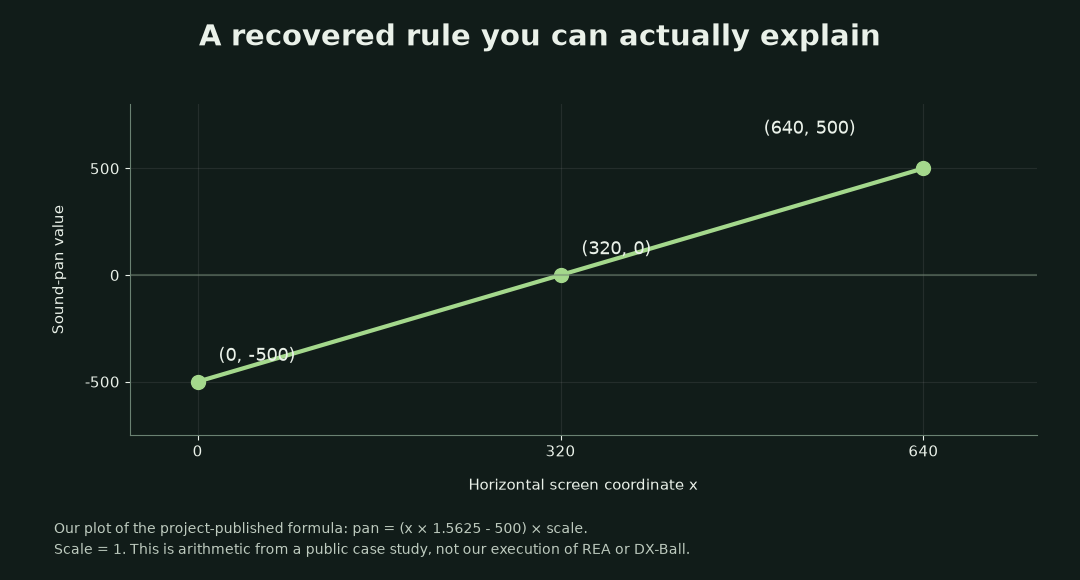
The project reports 3,205 behavior comparisons and a 63-byte compiler match for this function. Those checks belong to the reconstruction project. They are not a general REA success rate. The page also says work on playable-game integration continues.
Installation and target requirements
The installation documentation and native-analysis guide describe different prerequisites for different targets. That matters particularly on Windows: being able to run REA’s JavaScript CLI does not establish that every native-analysis workflow is available.
| Target | Documented requirement | Practical meaning |
|---|---|---|
| JavaScript / Electron files | Supported Node.js line and npm | Static analysis can inspect files without running the application or requiring a native decompiler. |
| Native binaries | Hopper, Ghidra, or an existing IDA setup | REA connects to an analysis engine; the npm package does not replace it. |
| Ghidra route | Existing Ghidra 12.1.x and a 64-bit JDK 21 or newer | The current guide labels Windows support experimental. |
| Browser observations | A Chrome-family browser and the appropriate runtime workflow | Runtime interaction is distinct from reading stored application files. |
The supported Node lines are 22.x from 22.19, 24.x from 24.11, and 26 or later. The package itself is MIT-licensed. Separate analysis engines retain their own licenses; a commercial engine’s entitlement is not bundled with REA. Any connected AI service also retains its own processing and billing arrangements.
At the research snapshot, npm and the latest GitHub release both identified version 6.4.0, published October 11. Repository main can already document later features. The upstream installation notes explicitly distinguish DeepSeek Harness integration on main from its absence in npm 6.4.0. That is a concrete reason to read the release boundary before assuming every documented client is supported by the package you downloaded.
Local analysis still has boundaries
REA says analysis runs locally and does not send the application to a hosted analysis service. That describes the analysis layer. If a connected cloud agent receives extracted code or findings as context, its own data policies still matter. “Local” should not be casually expanded into “every part of the workflow is offline.”
The application-graph documentation distinguishes observed facts, inferred relationships, and unknowns. Static code relationships do not prove runtime execution. Dynamic dispatch, obfuscation, missing symbols, and ambiguous paths can leave parts unresolved. A graph is useful precisely when a reader can see those limits.
The project’s disclaimer frames the tool around authorized analysis, education, preservation, interoperability, and related research. It excludes copying protected proprietary code or bypassing licensing and access controls. The MIT license for REA is not a license to everything a target application contains.
REA is interesting because it turns reverse-engineering tools into something a coding agent can query with evidence attached. The strongest public examples narrow the question, show where a conclusion came from, and separate recovered behavior from later implementation work.
The appeal is the combination of an agent with specialist analysis tools. Repository interest tells us people want that workflow. Reliability still has to be established for the particular software and question being investigated.
Our Muse Wonder overview looked at memory and persistence in an agent model. REA addresses a different part of the same workflow: giving that agent evidence about software. Better reasoning and better access to artifacts can complement each other, but neither removes the need to inspect a conclusion’s basis.
Start by checking the supported target and analysis route against the versioned installation notes. Then inspect a case study for the kind of evidence you need. A source range that another person can follow is a more useful result than a confident reconstruction with no traceable basis.
Comments
Post a Comment