ChatGPT Try-On: A Preview Before the Fit Check
MODELS & COSTS
ChatGPT Try-On: A Preview Before the Fit Check
A selfie-based clothing preview can help decide which style deserves a closer look. It cannot supply the garment's measurements or return terms. ChatGPT Try-On is most useful as one step in choosing a shortlist, with the ordinary purchase checks still to do.
In this article
OpenAI’s October 1 release notes introduce a Try on button for clothing and accessory listings: choose an item, take or upload a selfie, and ChatGPT Images creates a preview. The announcement covers mobile and web. I have not run a hands-on comparison; this guide uses the official instructions and launch images, with a shopping checklist I would use myself.
Creating a try-on preview
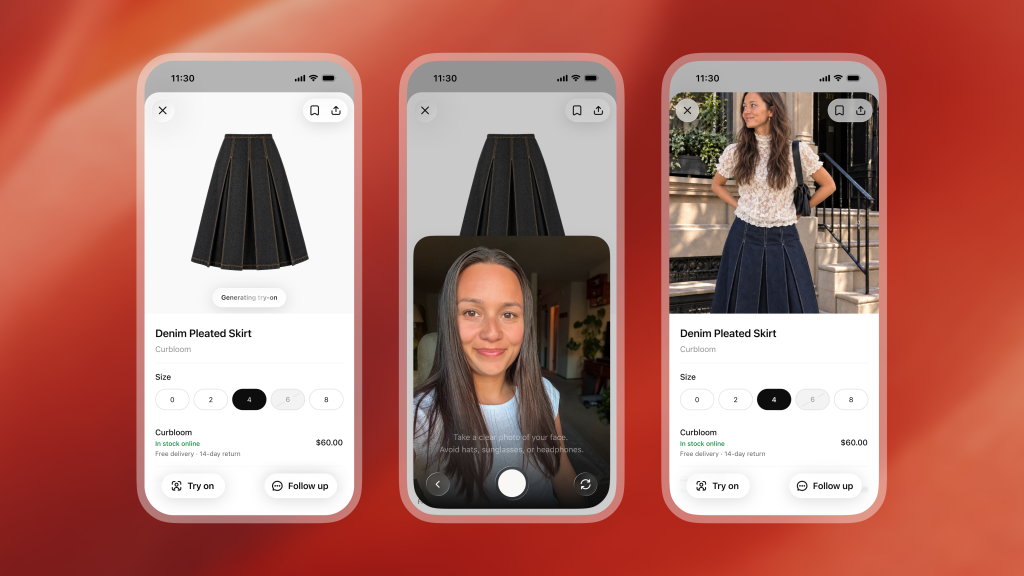
Start with a concrete shopping request, such as “Find a dark denim skirt I can wear to dinner with black loafers.” If a clothing or accessory product listing offers Try on, select it, then take or upload a selfie and view the generated image. The official launch example below shows that sequence. OpenAI’s release notes also explain that the reference photo is saved for future try-ons.
There is another route: upload a photo of clothing or an accessory in a conversation and ask to see how it could look on you. That is documented in OpenAI’s shopping guide. It is useful when you already have a particular item in mind instead of wanting another list of suggestions.
I would give that request a narrow goal. “Help me picture this jacket with dark jeans” leaves much less room for confusion than “Give me a makeover.” The point is to evaluate the garment you are considering, rather than let an attractive new background do the selling.
Useful requests for a comparison
Here is a sample prompt I would start with. It is an instruction to try, not a promise that the system will obey every detail:
Show how this jacket could look on me with a plain white T-shirt and dark straight-leg jeans. Keep my face, body proportions, pose and background as close to my reference photo as possible. Preserve the jacket’s color, pockets and closures. Do not add other accessories.
Then compare the output with both source photos. Has the jacket kept its actual pockets? Is the neckline recognizable? Has your face changed? A convincing image can still quietly turn the item into a different design. If that happens, I would discard the preview and return to the listing rather than keep refining a prettier imaginary jacket.
For two color options, I would use the same reference photo and request the same outfit and setting. That does not make the comparison scientifically controlled, but it keeps the question focused: which color do I prefer? Changing the lighting, hairstyle and shoes at the same time makes it harder to tell.
The garment still needs a fit check
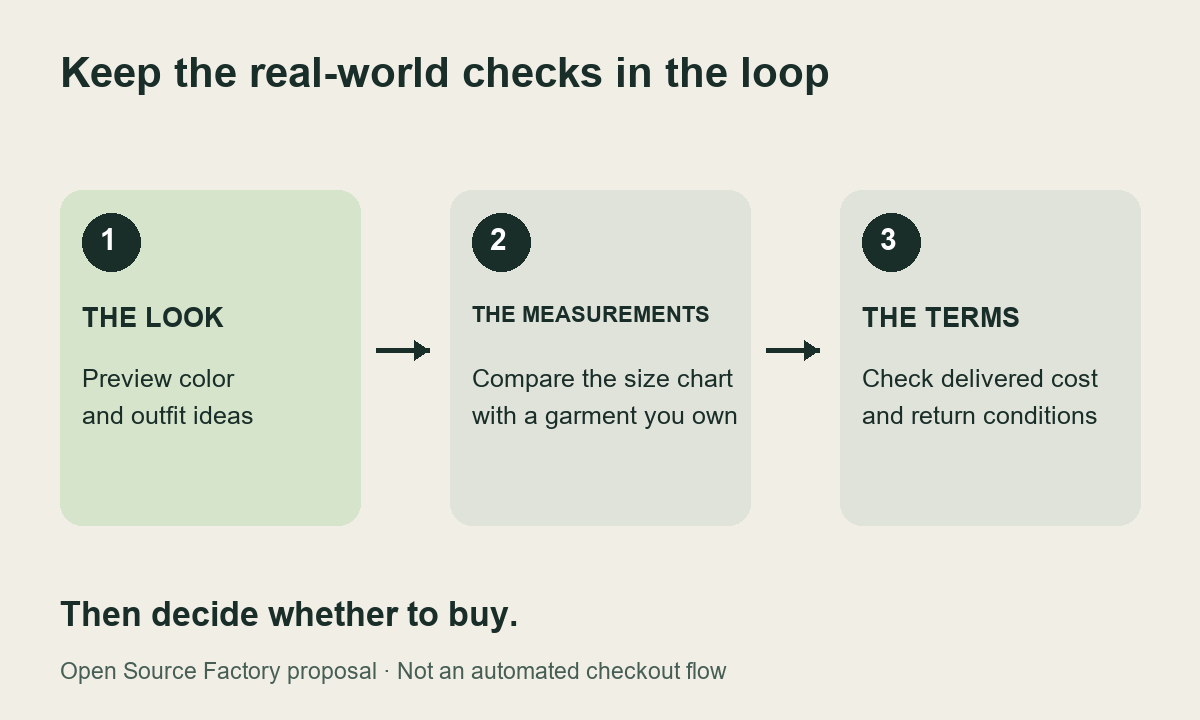
No fit or size guarantee comes with the image. OpenAI explicitly says try-on images may differ from the product and your appearance. Its shopping guide tells buyers to check the merchant’s measurements, product details and return policy. A selected size in a demonstration screen should not be read as a measured fit recommendation. Source: OpenAI.
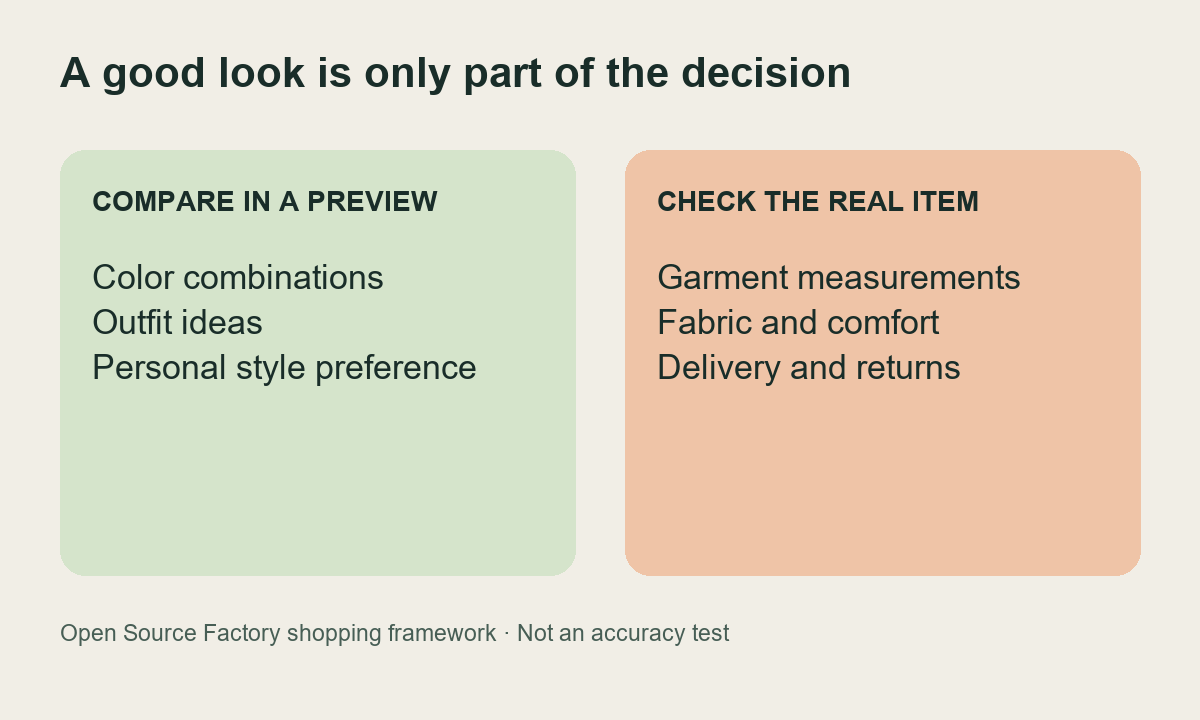
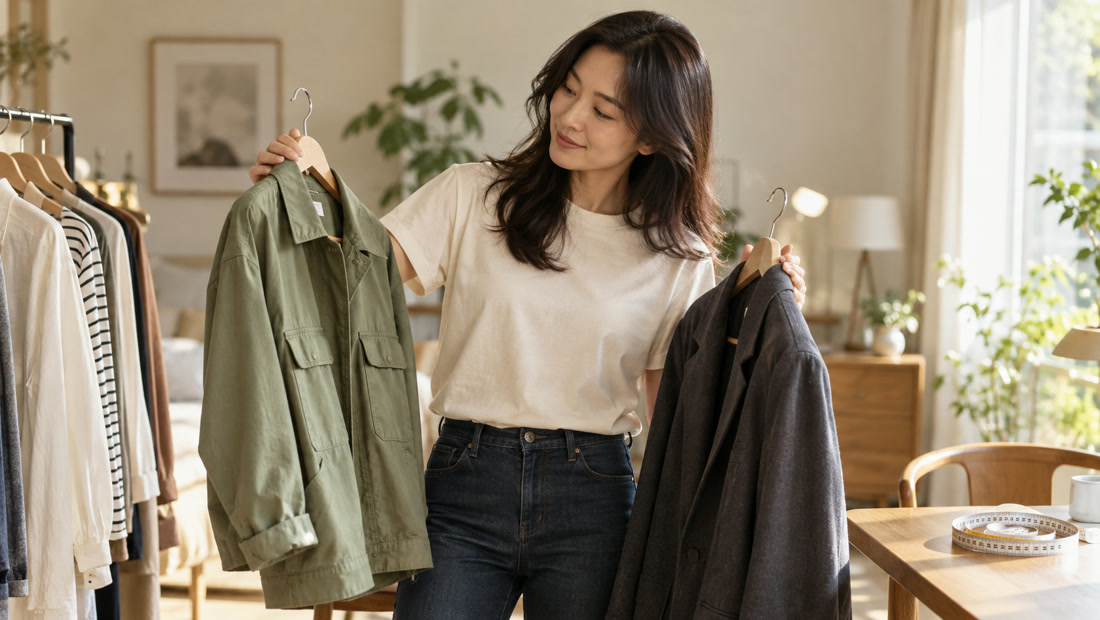
Imagine a wedding guest choosing between a green jacket and a charcoal one. A preview could help that person decide which overall look they prefer. It cannot tell them whether the shoulders pull when they reach forward or whether the fabric feels comfortable through a long dinner. Those are different questions, and I would keep them separate even when the image looks excellent.
My practical next step would be to take a jacket that already fits, lay it flat, and compare the relevant garment measurements with the seller’s instructions. I would also check whether the seller lists body measurements or the garment’s own dimensions; those are easy to mix up. An appealing image would not persuade me to skip that step.
Narrowing the shortlist
That would be a useful outcome, but this article does not have evidence of a reduction in returns or spending. My narrower argument is that visual previews could help eliminate a style you do not actually like before you start choosing sizes. I would treat the generated image as a filter for a shortlist.
| Shopping question | What I would do next |
|---|---|
| Do I like this color with my usual clothes? | Compare previews using the same reference and outfit. |
| Did the preview change the actual item? | Check pockets, neckline, pattern and closures against the listing. |
| Should I order this size? | Use the merchant’s measurements and an item that already fits. |
| Is this a sensible purchase? | Check delivered cost, material details and return conditions. |
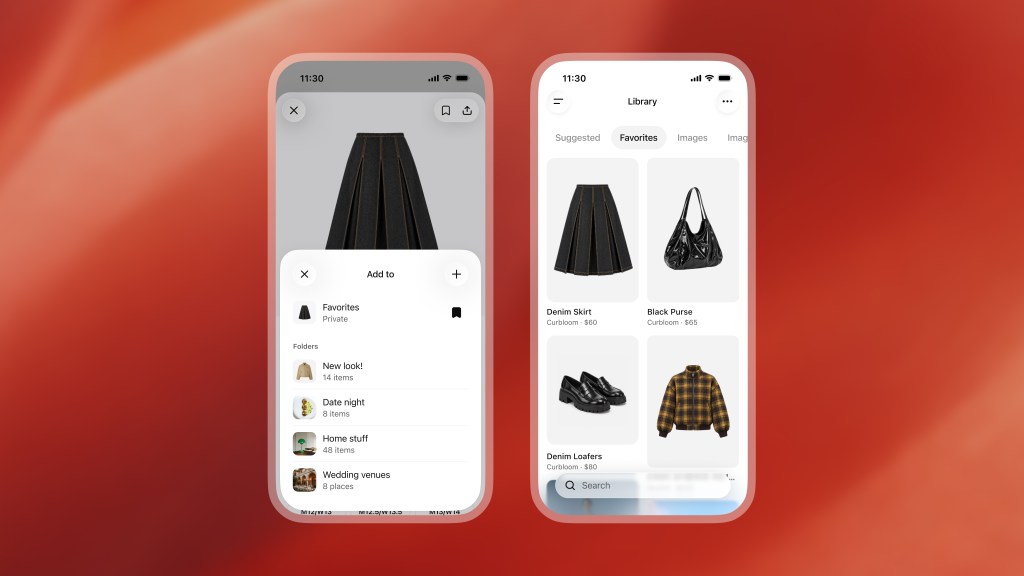
The feature also arrives with a way to pause. OpenAI lets users save products to Favorites or organize them into folders in ChatGPT Library. I would make a folder for a specific occasion, keep only the strongest candidates, and revisit it later. Saving something is a useful alternative to immediately buying it. Source: release notes.
Selfie handling and checkout details
Your saved reference photos can be changed or removed in Settings → Personalization → Reference photos. That control is described in the launch notes. I would check it before uploading, especially if I only wanted a one-time experiment.
Model training is controlled separately. OpenAI says turning off Improve the model for everyone in Settings → Data controls prevents new conversations from being used to train its models; those chats can still remain in history. Removing a reference photo should not be treated as proof that every related chat or generated image has disappeared. The Data controls guide explains the training setting and separate chat controls.
Before paying, check the merchant page. OpenAI’s shopping guide says prices and availability can lag, and the first price shown on a product card may belong to the first merchant rather than the cheapest one. I would compare the delivered total and return conditions, not just the most attractive number beside the picture. Source: shopping guide.
When the button is missing
The official pages identify mobile and web, but do not give a complete try-on plan, country and usage-limit table. I would not promise that every reader will see the same screen. Check the current shopping help page and the options in your own account. The documented clothing-photo conversation route is another option to look for; access to image generation still matters.
This guide is about using an image to make a shopping decision. Our earlier Images 2.5 article looks at image-generation costs, while the Amazon and Meta AI shopper article asks who controls the shopping journey. The consumer question here is more personal: does this item deserve a place on my shortlist?
A preview can help with a visual preference: whether a shape or color seems worth trying. That is a useful question to answer before ordering several options. It remains different from knowing how the delivered garment will sit or feel.
Use the image to choose a direction, then return to the listing for sizing, fabric and returns. If those details are missing, a convincing generated picture should not fill the gap.
Comments
Post a Comment