Caption Forge: Fix SRT Timing Without Uploading a File
Caption Forge
Fix SRT timing without uploading the file. A private subtitle workshop that runs entirely in your browser.
I got tired of uploading subtitle files to random converter sites just to move every cue half a second. That is such a tiny job, yet it usually means installing a full editor or handing a transcript to somebody else's server.
So I made Caption Forge. Drop in an SRT or WebVTT file, edit the words and timestamps, preview it against a local video, then download the result. The subtitle and video never leave your device.
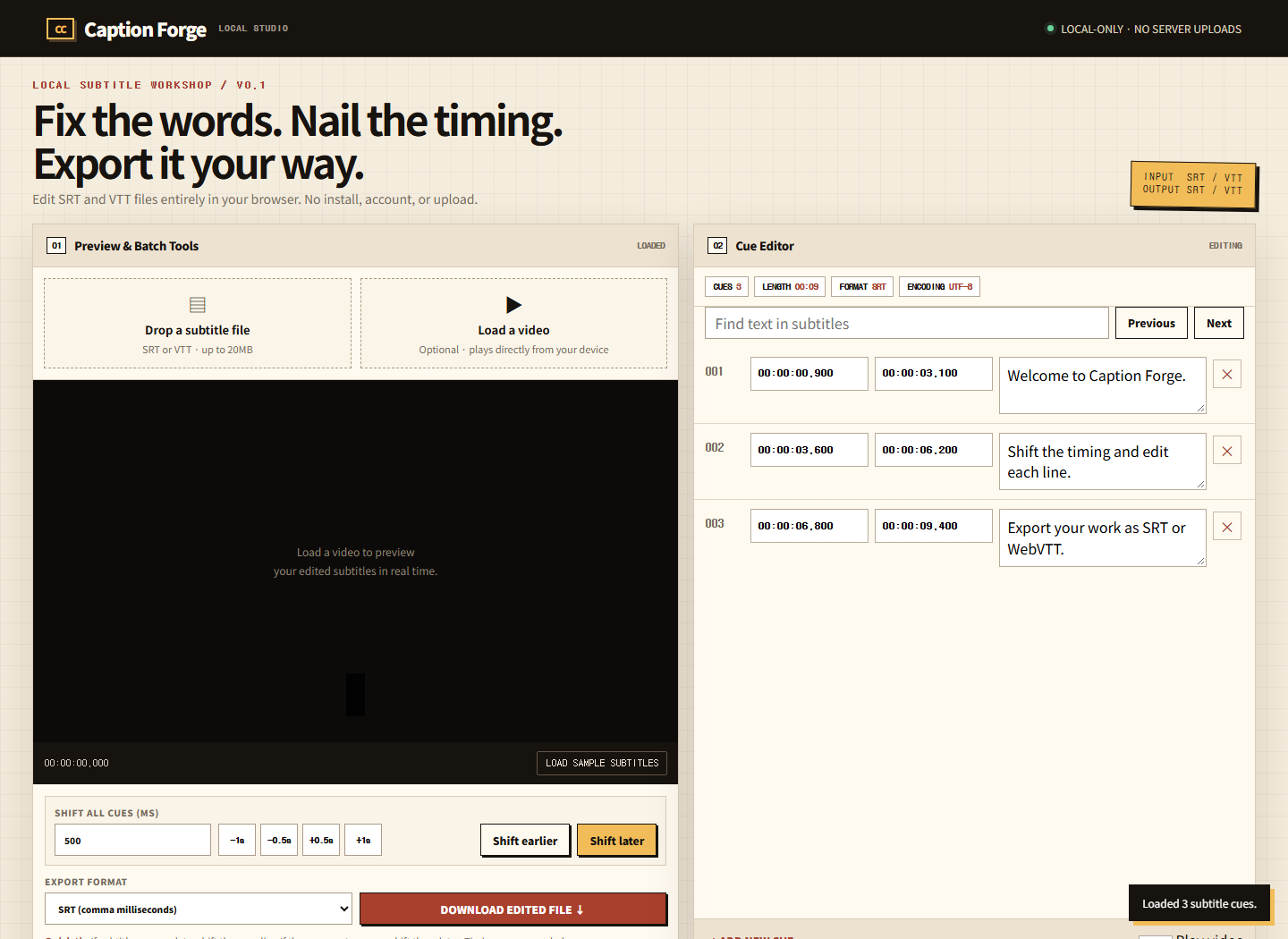
The real desktop view: preview tools on the left, cue editor on the right.
What does Caption Forge actually do?
It handles the subtitle fixes I reach for most often. You can change a line, correct its start or end time, add and delete cues, search the transcript, shift the entire track, and export as SRT or WebVTT. Load a video and the current cue appears over it as playback moves.
This is not a cloud editor wearing a privacy badge. The browser reads local files into memory. There is no account system, upload endpoint, analytics form, or server-side conversion step.

Each cue keeps the two things that matter together: timing and text.
How do you fix subtitles that are out of sync?
If every line is consistently late or early, enter a millisecond value and shift the whole track. A positive shift makes the subtitles appear later; a negative shift pulls them earlier. Caption Forge moves every start and end timestamp by the same amount, so the gaps between cues stay intact.
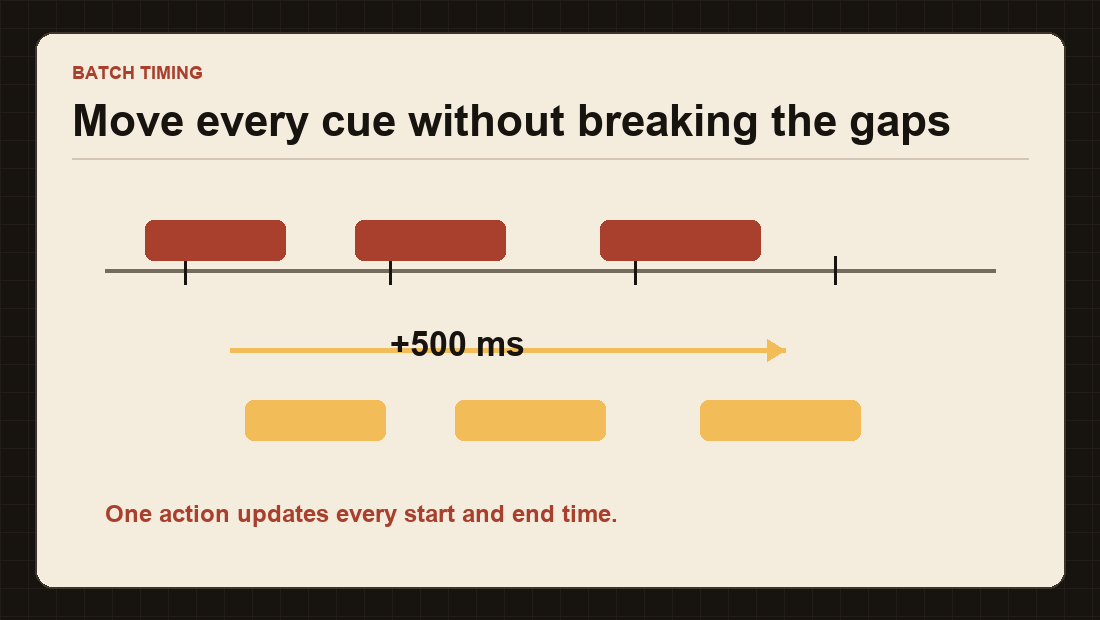
A +500 ms shift changes the position of the track, not the spacing inside it.
Can it convert SRT to WebVTT?
Yes. Open either format, edit it, and choose SRT or WebVTT at download time. Caption Forge writes clean UTF-8 output and switches the millisecond separator correctly: a comma for SRT and a dot for WebVTT.
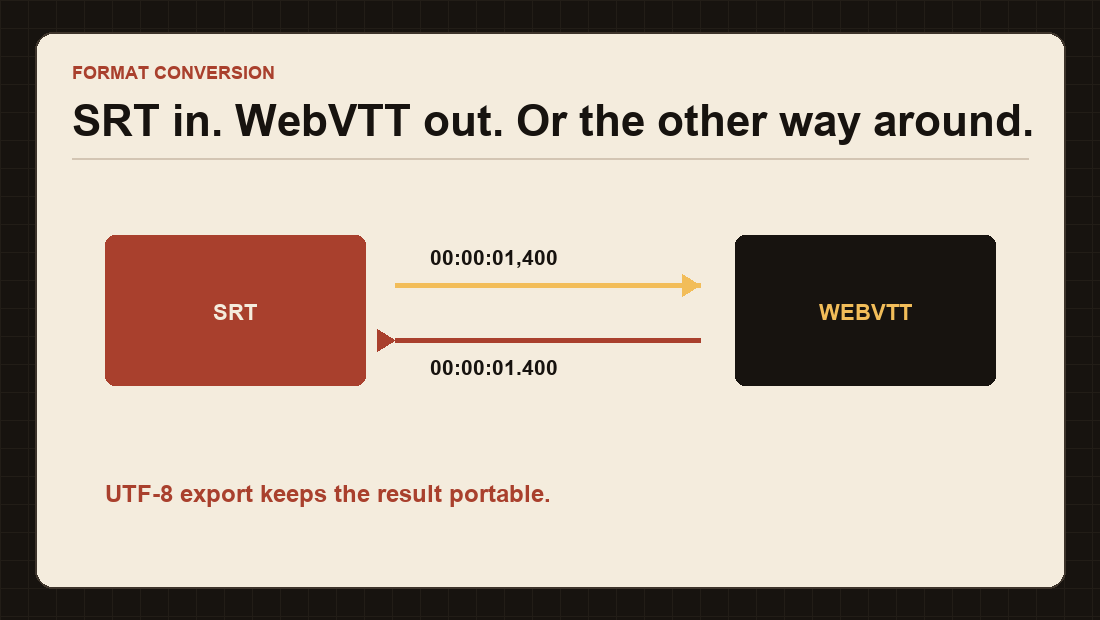
The text stays the same while the timecode syntax changes for the target format.
Why keep subtitle editing local?
Subtitles can contain unreleased dialogue, interview transcripts, client material, or simply a lot of personal context. A basic timing correction should not require uploading any of that. Video files are even more obvious: they are large, slow to transfer, and often not yours to redistribute.

The entire route is local file → browser memory → edited file.
Three steps, then you are done
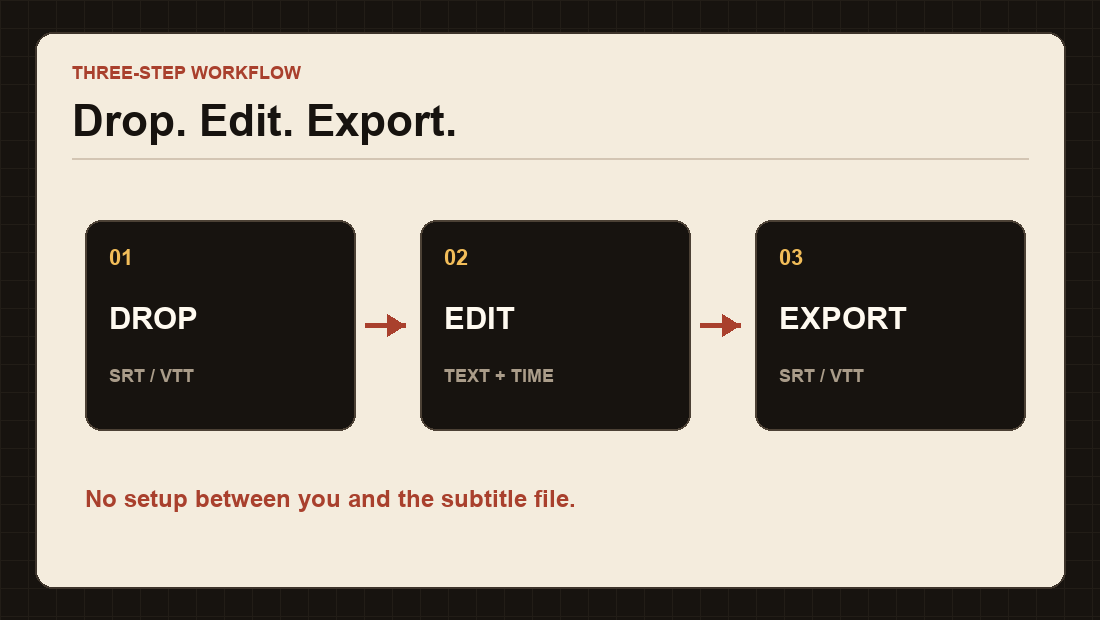
Drop the file, edit the cues, and export. There is no setup step hiding in between.
| Job | How Caption Forge handles it |
|---|---|
| Fix one sentence | Edit the cue directly in the list |
| Correct a constant delay | Shift every cue earlier or later in milliseconds |
| Check against video | Load a local video and preview active cues |
| Change subtitle format | Export the current work as SRT or WebVTT |
| Find repeated wording | Search through cue text and jump between matches |
What is still missing?
This first release is deliberately narrow. It does not yet handle ASS styling, SMI files, automatic speech recognition, or two-point drift correction for subtitles that slowly wander out of sync. Those are the next useful directions; they are not hidden behind a “coming soon” button today.
Caption Forge joins two earlier browser workshops on this blog: Jebonso, the TXT-to-EPUB bindery, and DARKROOM, the local image resizer and converter. The pattern is the same: one focused job, a tactile interface, and no reason to send the source file away.
My take
I like tools that disappear after the job is done. Caption Forge is not trying to replace Aegisub or a full video editor. It is for the moment when the subtitle is 700 ms late, one line has a typo, or a VTT file needs to become an SRT before the next meeting.
I will keep using it on real subtitle files and add the next feature when the friction becomes obvious. For now, open the sample, move it half a second, and see whether the workshop earns a bookmark.
Built and tested in the browser · September 2026 · Open Source Factory
Comments
Post a Comment